
1 / 5
Hot Selling WEEEMAKE 15 in 1 Intelligent Smart Home Training Kit Educational Robot Kit for School Children DIY Build Smart Home
Product Description
PRODUCT HIGHLIGHTS
-
[Factory-Direct Advantage for Distributors] Sourced straight from a 10,000 sqm factory with a 2,000 sqm R&D center, 30+ engineers and strong monthly capacity, ensuring stable supply, consistent quality and competitive wholesale pricing for bulk education orders.
-
[Differentiated Product, Healthier Margins] The rare combination of aluminum alloy construction, real IoT smart home programming and a matched 32-chapter textbook clearly separates this kit from ordinary plastic coding toys, supporting premium positioning in your local market.
-
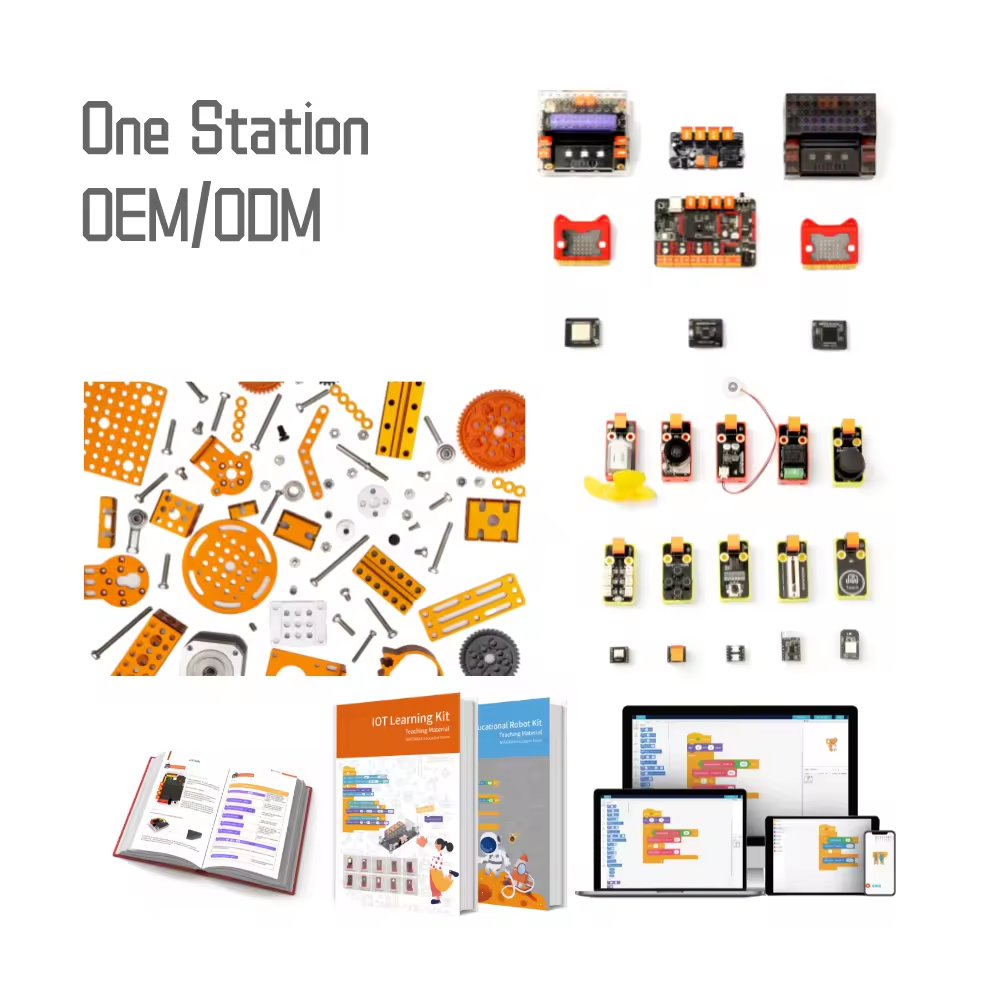
[Full OEM/ODM Customization] Logo, packaging, interface language, software and even curriculum content can be tailored to your brand and regional teaching requirements - a complete private-label solution powered by our in-house source code.
-
[Complete Package Drives Repeat Orders] Because hardware, software and textbook are delivered as one integrated solution, schools keep purchasing refills, upgrades and new class sets - our overseas client repurchase rate reaches 90%.
-
[Export-Ready & Dependable Delivery] Fully certified with complete export documentation, 31-day standard lead time and flexible sea, air and rail shipping options, we make cross-border procurement smooth for education distributors and government projects.
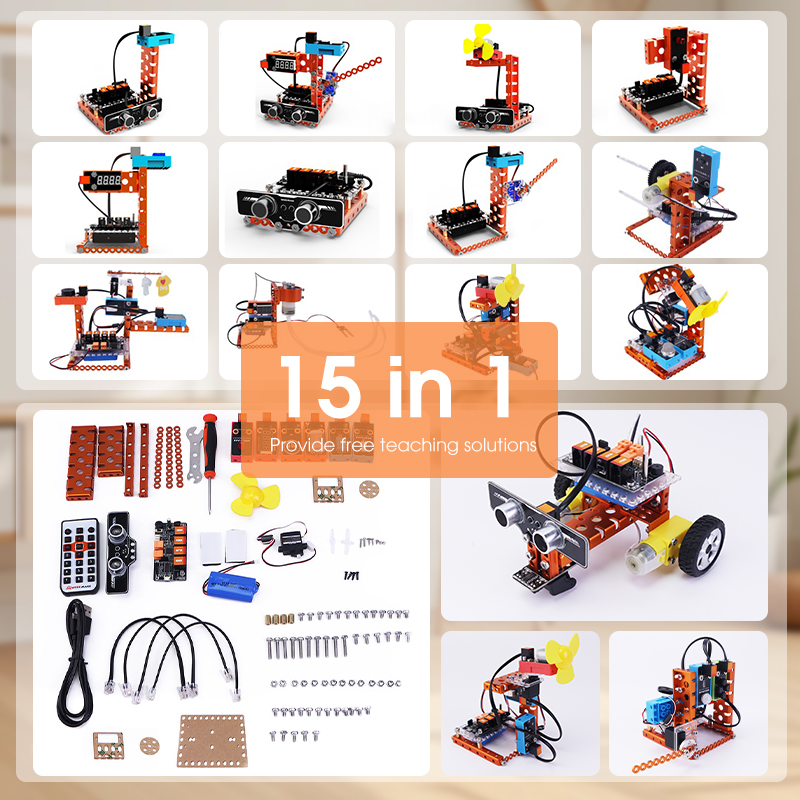
15 Types of Robots
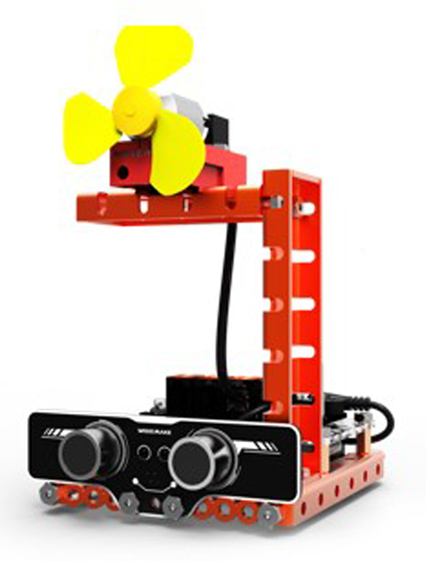
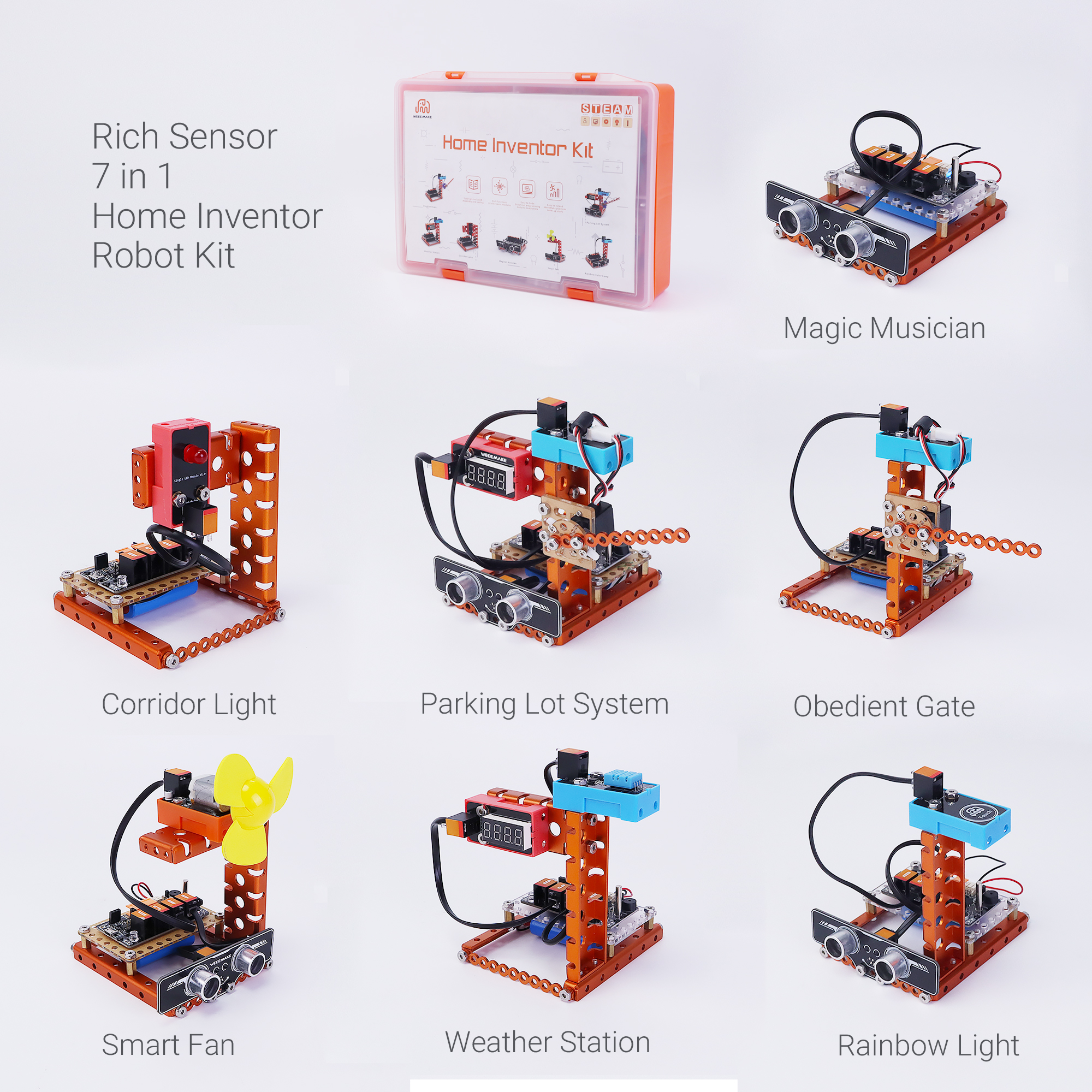
Smart Fan
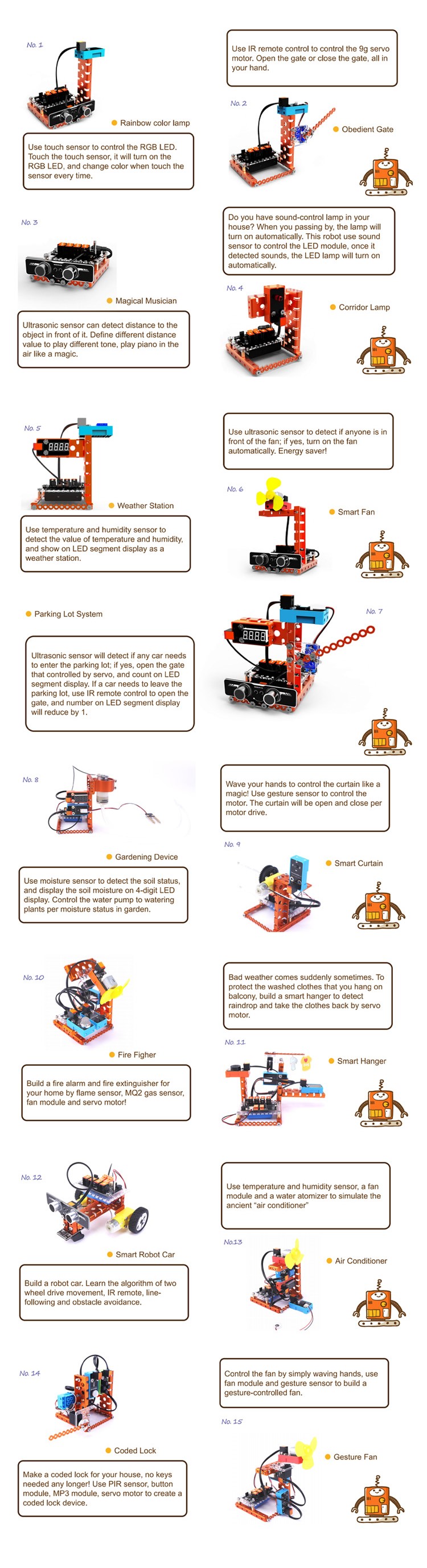
Use ultrasonic sensor to detect if anyone is in front of the fan; if yes, turn on the fan automatically. Energy saver!
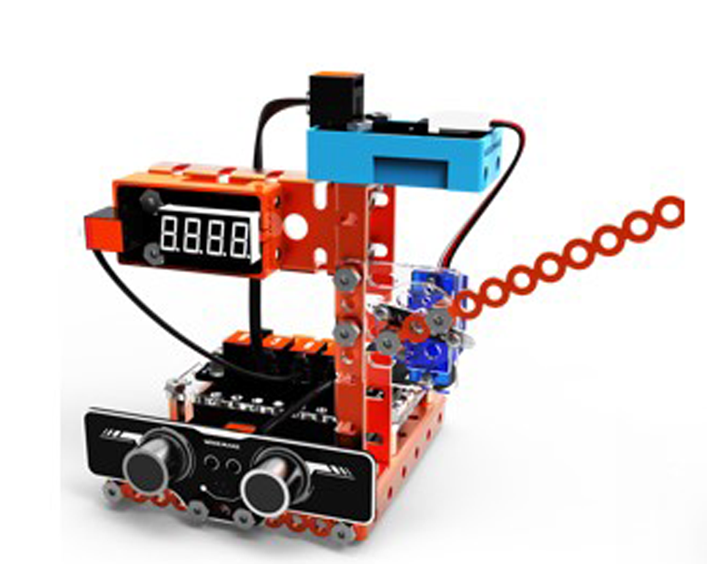
Parking Lot System
Ultrasonic sensor will detect if any car needs to enter the parking lot; if yes, open the gate that controlled by servo, and count on LED segment display. If a car needs to leave the parking lot, use IR remote control to open the gate, and number on LED segment display will reduce by 1.
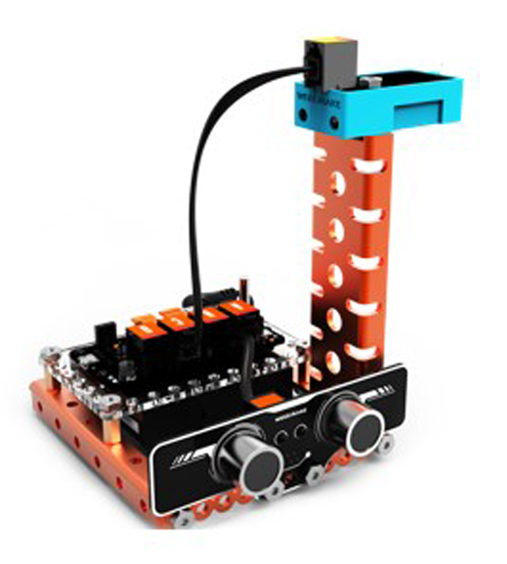
Rainbow Color Lamp
Use touch sensor to control the RGB LED. Touch the touch sensor, it will turn on the RGB LED, and change color when touch the sensor every time.
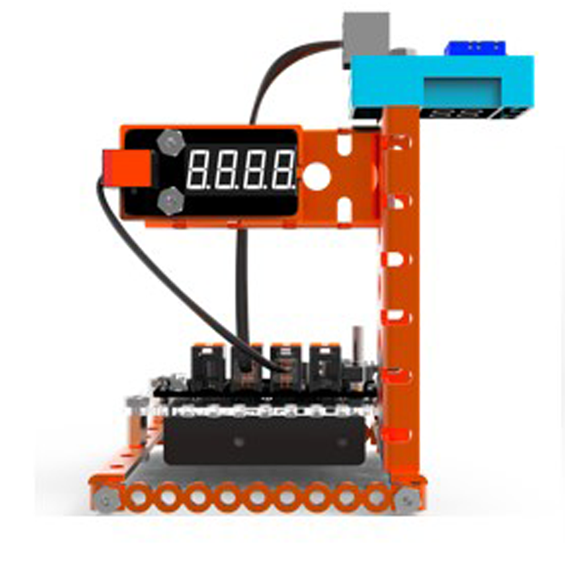
Weather Station
Use temperature and humidity sensor to detect the value of temperature and humidity, and show on LED segment display as a weather station.
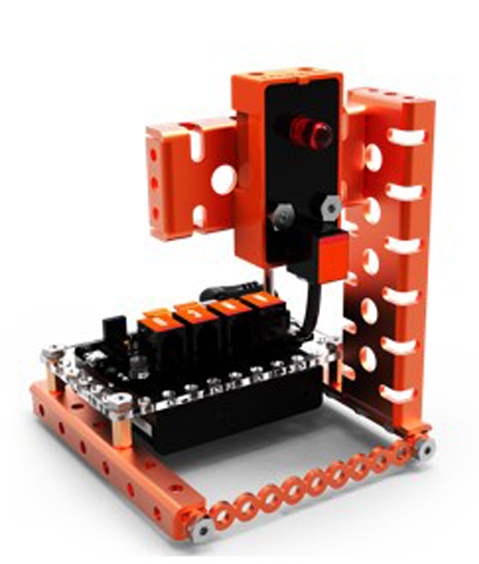
Corridor Lamp
Do you have sound-control lamp in your house? When you passing by, the lamp will turn on automatically. This robot use sound sensor to control the LED module, once it detected sounds, the LED lamp will turn on automatically.
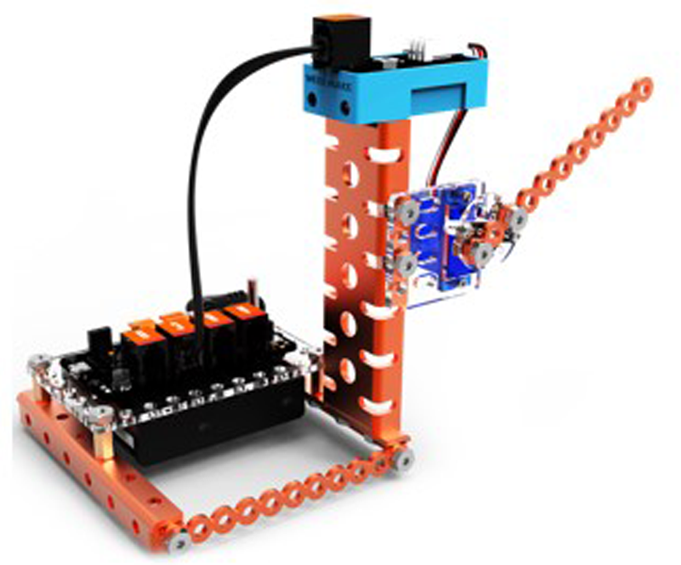
Obedient Gate
Use IR remote control to control the 9g servo motor. Open the gate or close the gate, all in your hand.
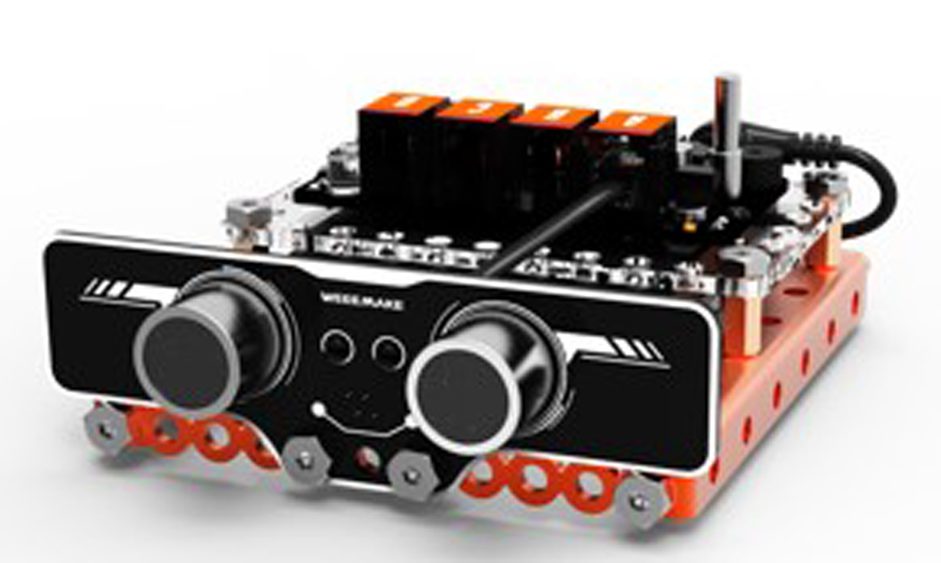
Magical Musician
Ultrasonic sensor can detect distance to the object in front of it. Define different distance value to play different tone, play piano in the air like a magic.
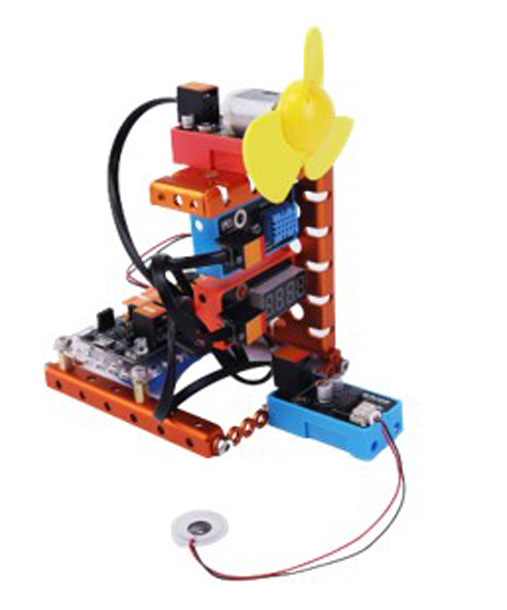
Air Conditioner
Temperature and humidity sensor is used to detect the temperature and humidity in the environment. When temperature is greater than a certain value, the fan will be worked; when the humidity is less than a certain value, the atomizer is turned on; when the light detection value is greater than a certain value, the 4-digital LED displays the temperature, otherwise it displays humidity.
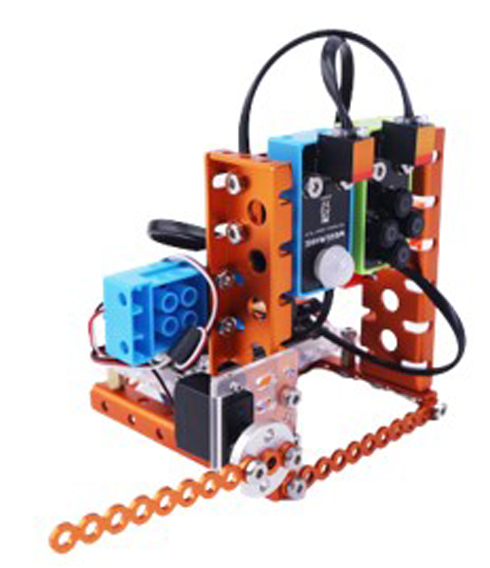
Coded Lock
The sensor of the coded lock is used to detect people. It is common to use IR sensor. Due to human body emitting infrared, when the detection value changes in range, it judges presence of people. If password is correct, lock opens.
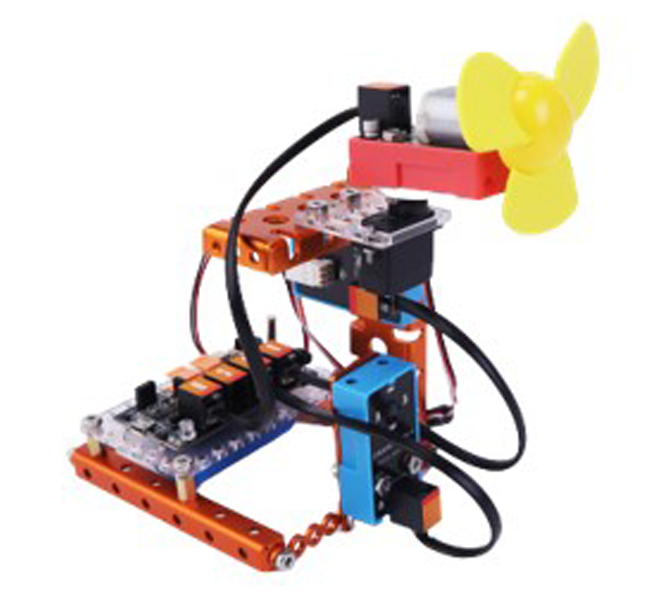
Gesture-Control Fan
How to use the gesture sensor to combine fan in our life? How to use our gesture sensor to realize intelligence?
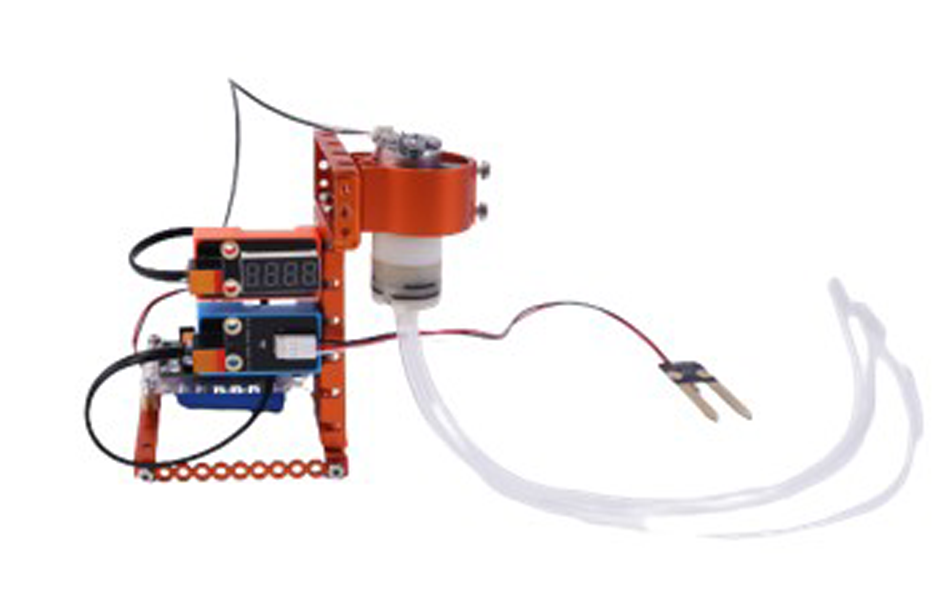
Gardening Device
The moisture sensor is mainly composed of two metal probes. It can obtain the water content of the soil by detecting the conductivity between the two probes. The conductivity will change due to the different moisture of the soil.
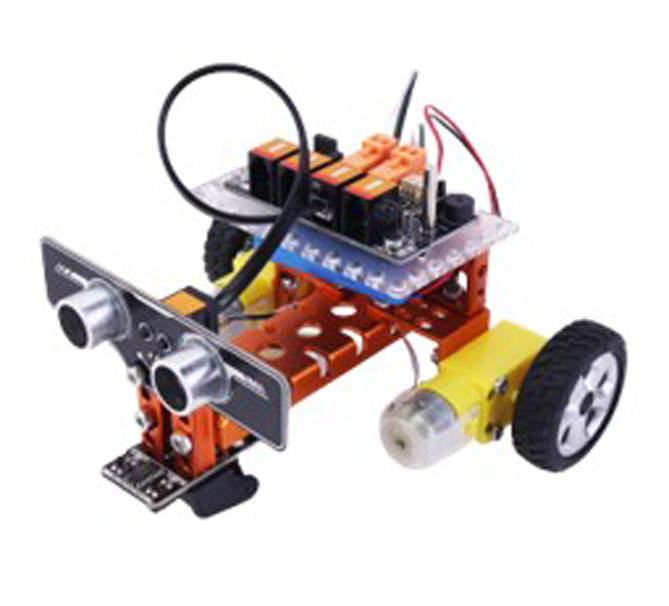
Moving Robot Car
How do robots get from one place to another? How to achieve line-following functionality using smart modules?
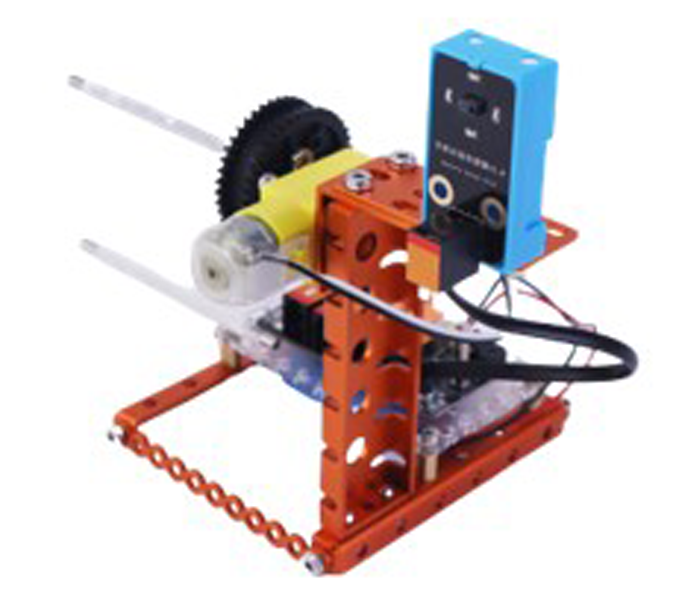
Smart Curtain
How to use the gesture sensor to combine smart products into modern automated living space?
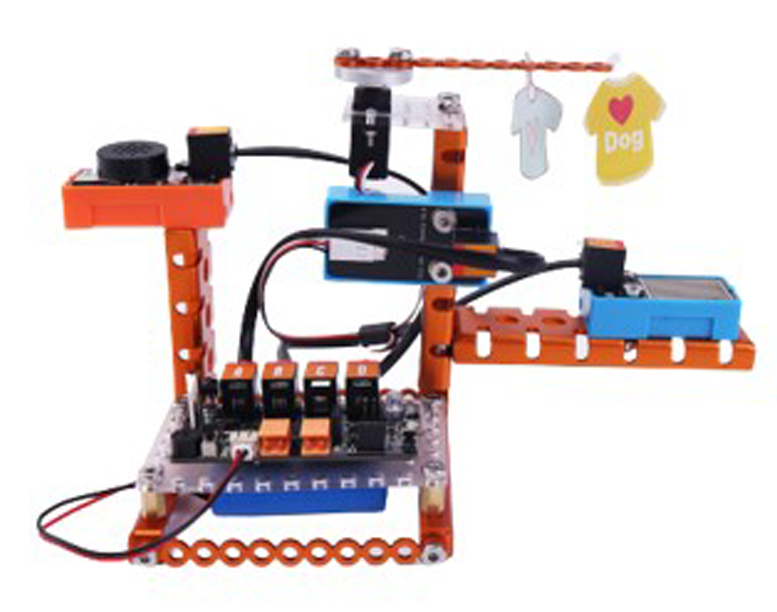
Smart Hanger
Use sensors to detect whether current weather is rainy or sunny, and control motor/servo action so the hanger position changes automatically.
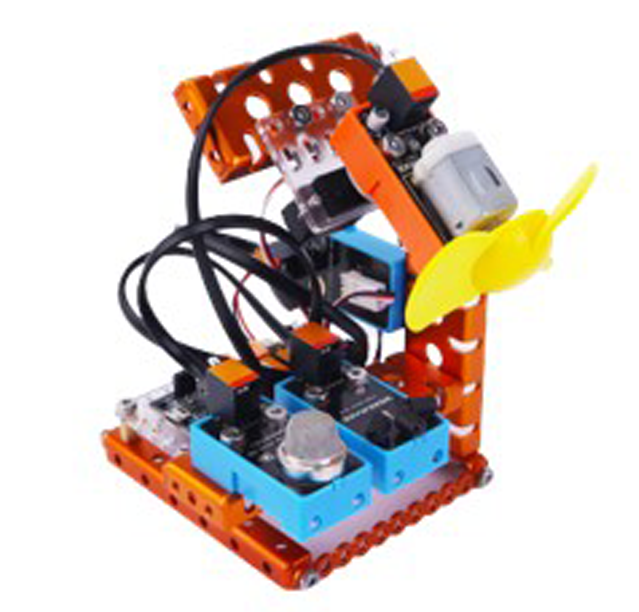
Fire Fighter
When MQ2 gas sensor detects high flammable gas, buzzer alarms; when flame sensor detects flame, fan rotates to extinguish fire while servo faces the flame direction.
SPECIFICATIONS
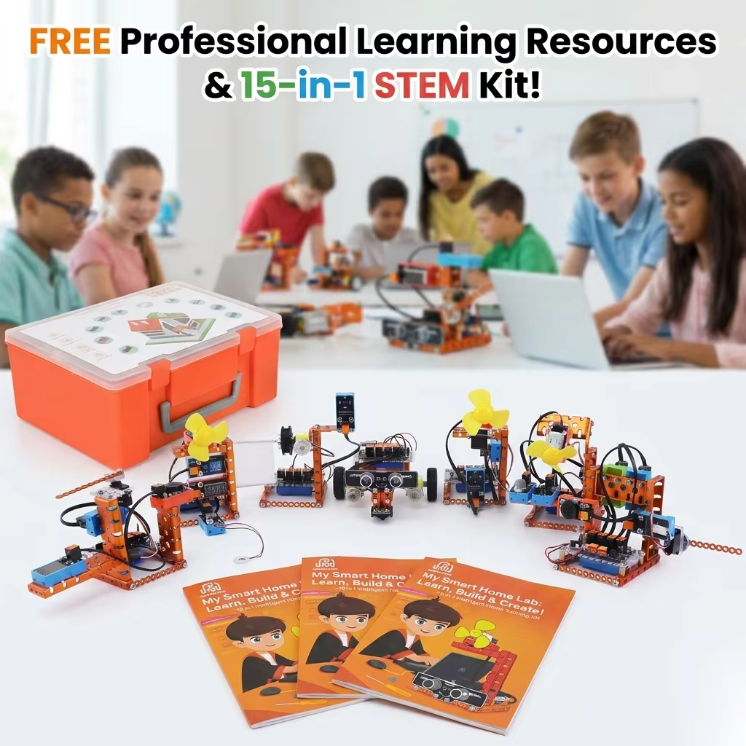
What is 15 in 1 Intelligent Smart Home Training Kit?
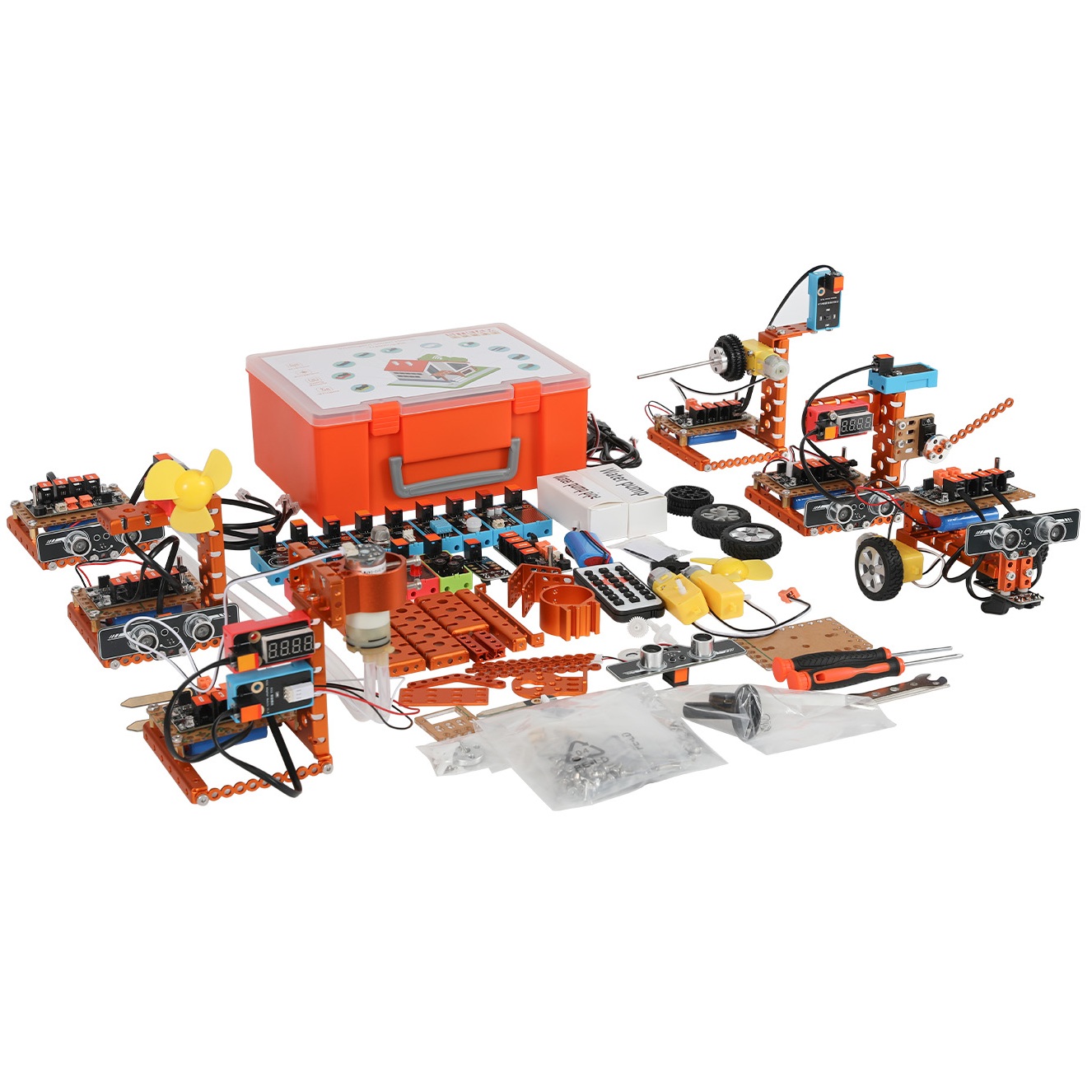
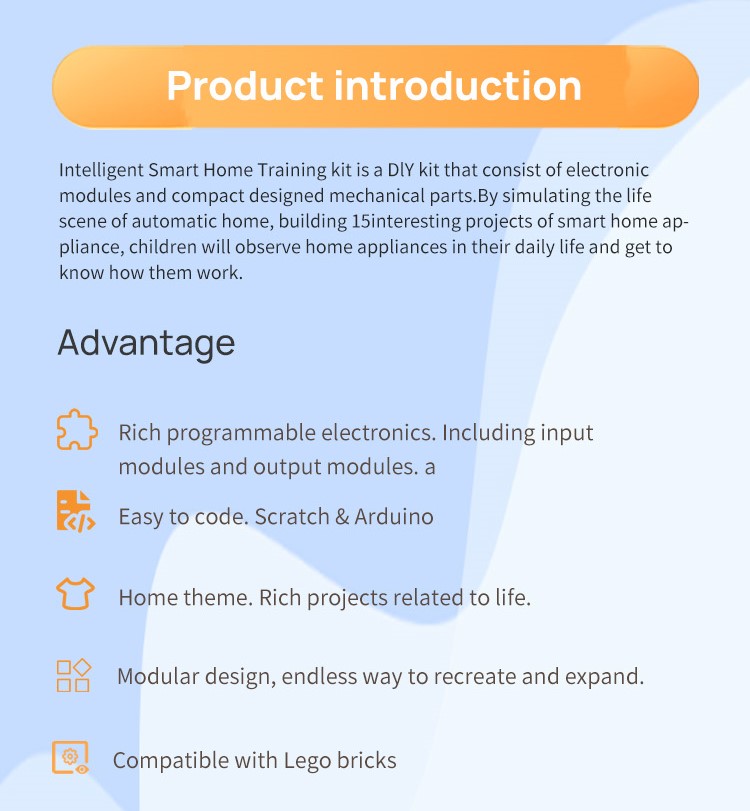
• Intelligent Smart Home Training Kit is a DIY kit that consists of electronic modules and compact designed mechanical parts.
• By simulating real-life scenarios of automatic homes and building 15 interesting projects of smart home appliances and smart gardening, children will observe daily home appliances and learn how they work.
| Product Name | 15 in 1 Intelligent Smart Home Training Kit |
| Function | Program, DIY, Assemble, Remote Control, Line-following, Obstacle Avoidance, Voice Control, Display |
| Age | 8 to 13 Years, 14 Years & up |
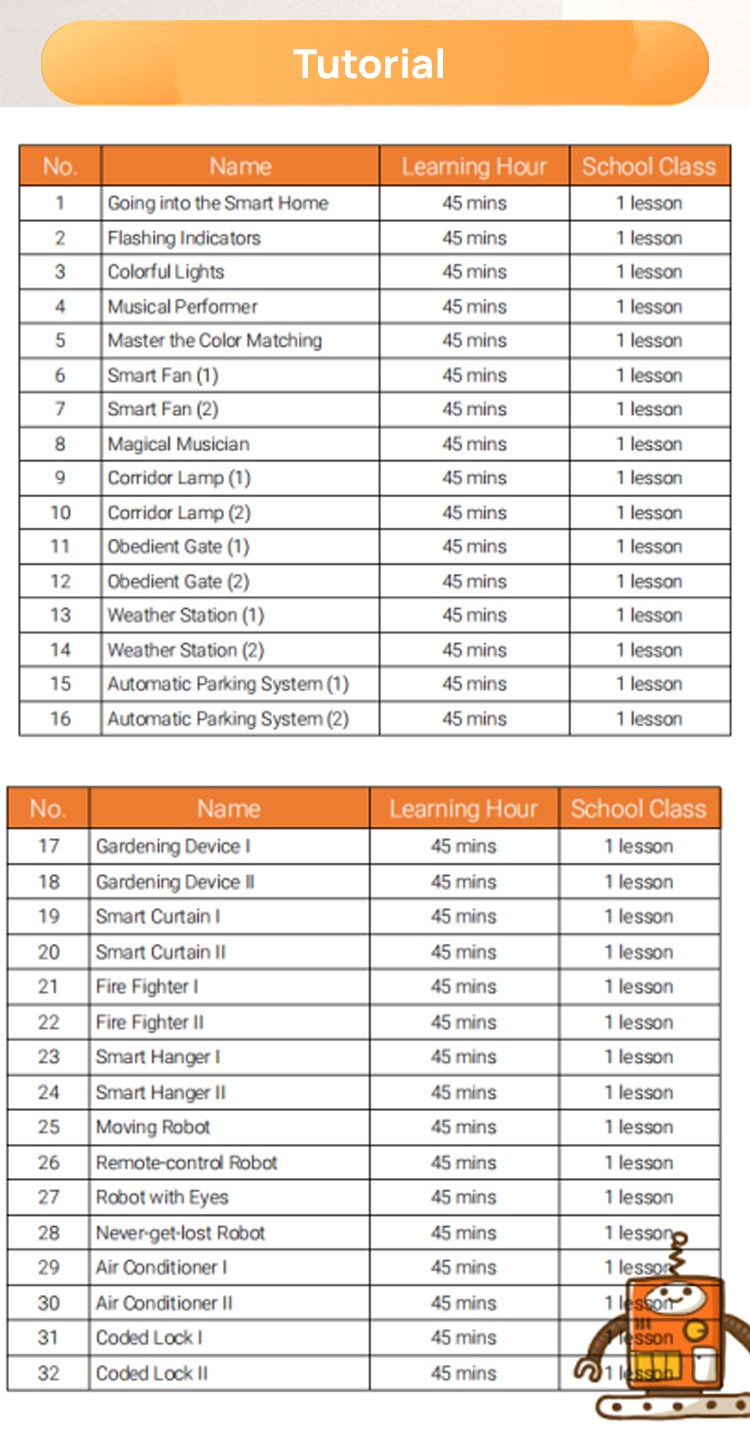
| Highlights | 15 assembly forms, 32 chapter lessons |


COMPANY OVERVIEW

ABOUT THE SUPPLIER
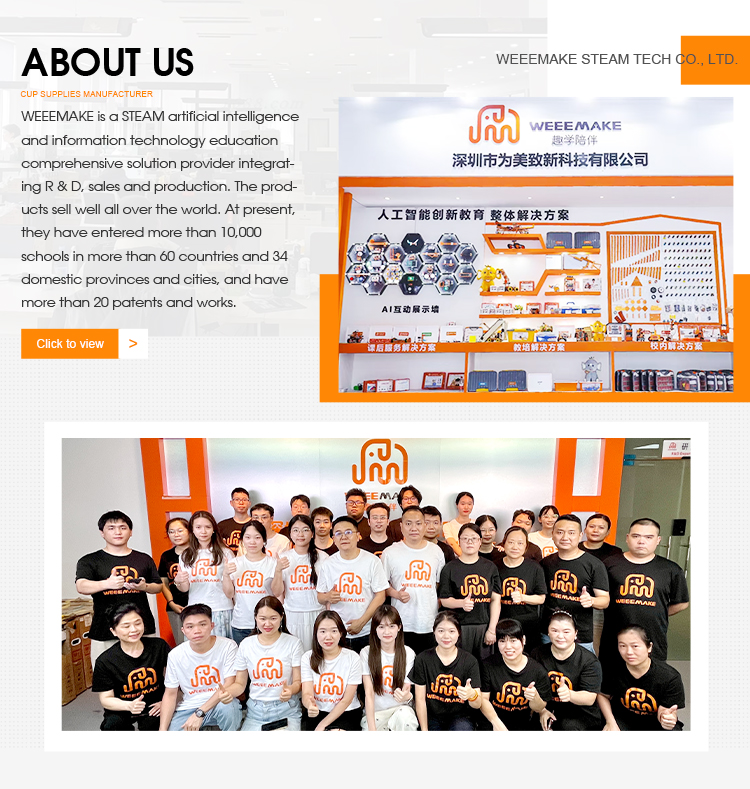
WEEEMAKE was established in 2017 in Shenzhen, China. We are a high-tech enterprise integrating research and development, production, and sales, specialising in the fields of STEAM education, artificial intelligence, AI laboratories, robotic laboratories, STEM classroom solutions, and interactive demonstration devices. The company occupies premises spanning 2,000 square metres and maintains a comprehensive production process encompassing product development, design, raw material procurement, SMT assembly, soldering, testing, packaging, and delivery. We rigorously implement a quality control system, and our products hold international certifications including CE and FCC. WEEEMAKE maintains an independent hardware and software development team. Our product portfolio encompasses ESP32, AI, and microbit series, compatible with multiple mainstream programming platforms. These solutions are extensively deployed across educational settings including K12 education, robotics programming, maker education, and large-scale AI models. Guided by our Content + Hardware + Software + Competitions principle, our vision is to establish a metal platform. We have served over 60 countries worldwide, across 34 provinces and cities in China, reaching more than 10,000 schools. We hold over 20 patents and copyrights. We offer OEM ODM services with multilingual content customisation, committed to providing high-quality, cost-effective educational products and solutions for global makers, educators, and robotics AI enthusiasts. Welcome to WEEEMAKE!
COMPETITIVE ADVANTAGES


CUSTOMIZATION CAPABILITIES

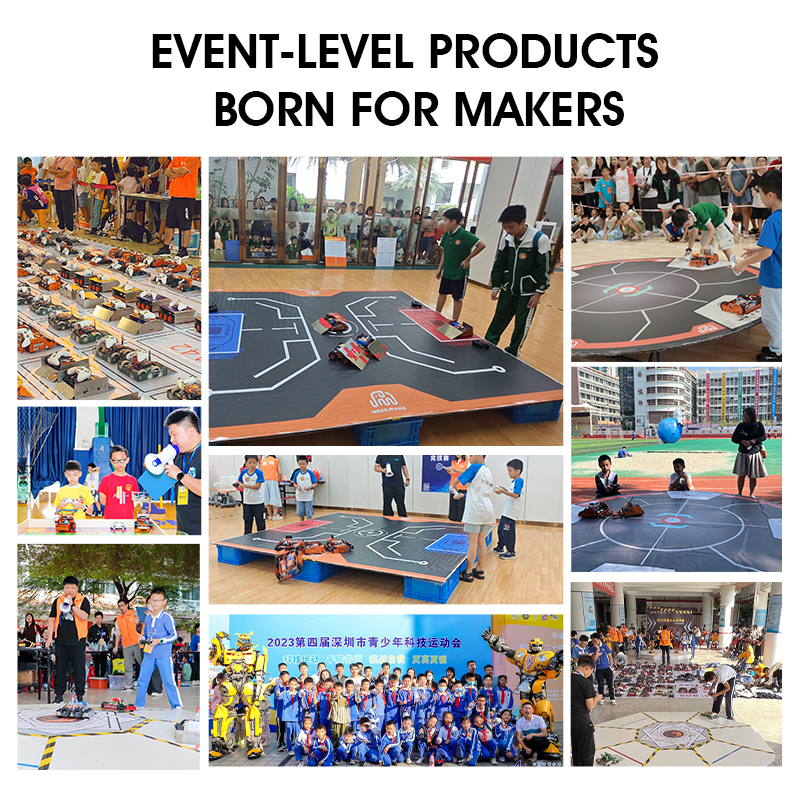
TRADE SHOW PARTICIPATION

FREQUENTLY ASKED QUESTIONS
When I turn on the robot, my robot has no response, why?
1. Low voltage, please recharge all your batteries or replace with new batteries.
2. Batteries installed in wrong polarity (+/-).
3. Incorrect wiring on battery holder or motor.
2. Batteries installed in wrong polarity (+/-).
3. Incorrect wiring on battery holder or motor.
How to program my robot or restore the factory setting of my robot?
Please download WeeeCode software on our website, connect robot to PC via USB cable, and select the restore factory firmware option in the software menu.
I cannot connect robot to computer via USB cable nor wireless way, how can I fix it?
Your computer hasn't installed the driver of the mainboard. Please install driver in WeeeCode software "Help" menu, restart the robot, and connect to computer again.
Why cannot the robot move with USB power supply?
USB power supply can only support chip and sensors in mainboard. To drive motors or servos, please connect batteries and switch on the power button.
Why doesn't the Line-following Sensor work?
1. Make sure the distance between Line-following sensor and line-following map is between 1-2cm, this is the best working range.
2. Do not use Line-following mode under strong light. Strong light will interfere with the function of Line-following Sensor.
3. Make sure to use non-reflective material to make your own line-following map.
2. Do not use Line-following mode under strong light. Strong light will interfere with the function of Line-following Sensor.
3. Make sure to use non-reflective material to make your own line-following map.
Why cannot the software read the value of sensor?
Please check your wiring, make sure sensors are connected to the same port configured in your program within the WeeeCode software.