1 / 5
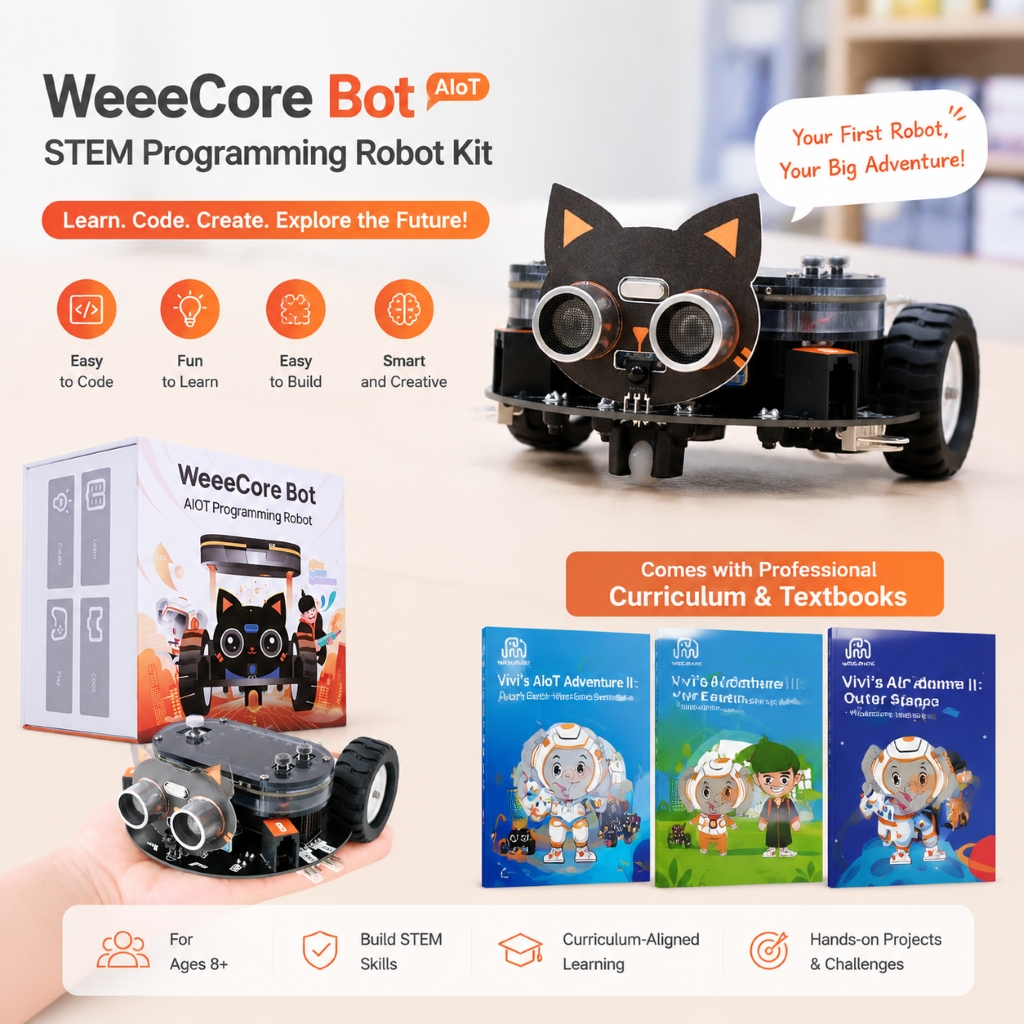
New Arrival Multi Functional Encoder Motor Drawing AI Robot for Kids Intelligent Voice Controlled Coding Discovery Set
Product Description
Product Highlights
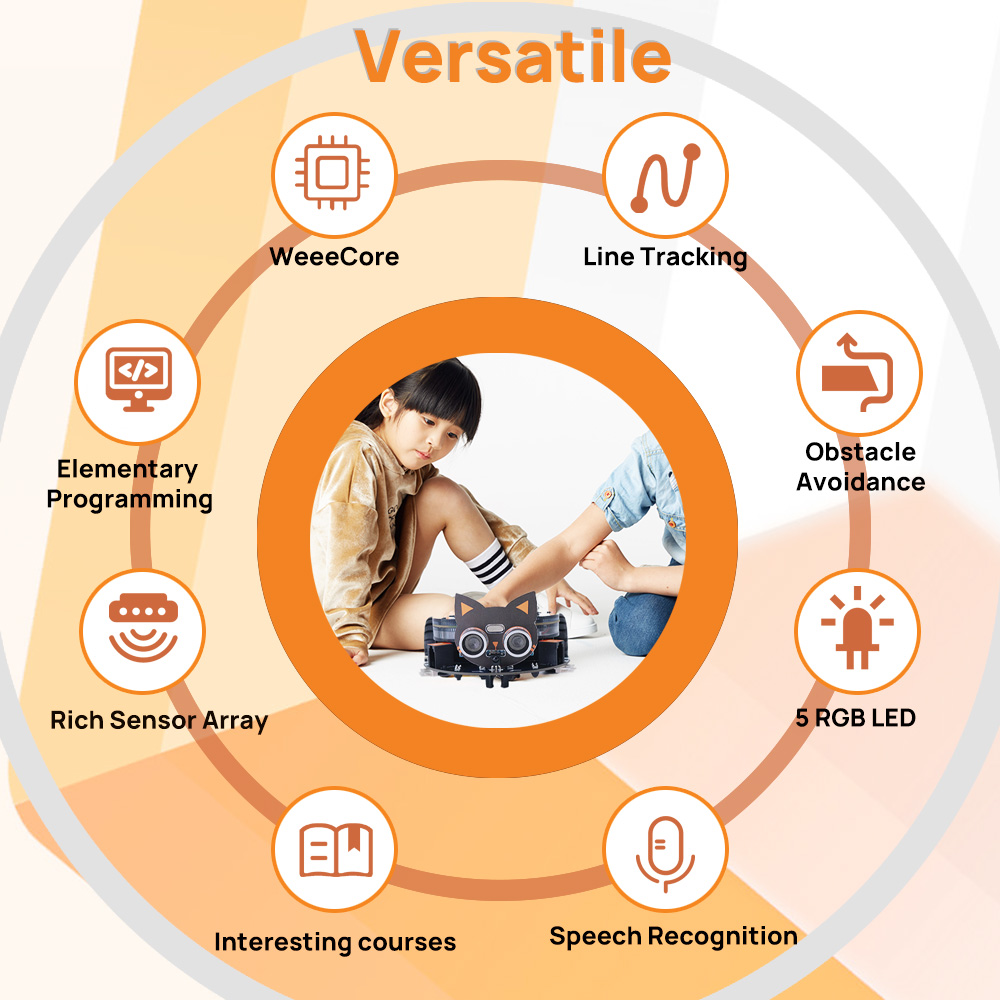
- [SENSITIVE VOICE RECOGNITION] Dive into AI with high-sensitivity Voice Recognition technology. The WeeeCore Bot interprets human commands in real-time, allowing students to build interactive smart devices. It’s an immersive Educational Electronics Kit designed to foster curiosity and logic training for young innovators.
- [IOT DASHBOARD & CLOUD LOGGING] Master data science with our IoT Training Kit. Students can log environmental data to the cloud and visualize it on a custom dashboard. This WiFi Education Kit provides a hands-on path to understanding smart grid logic and energy-efficient automation systems.
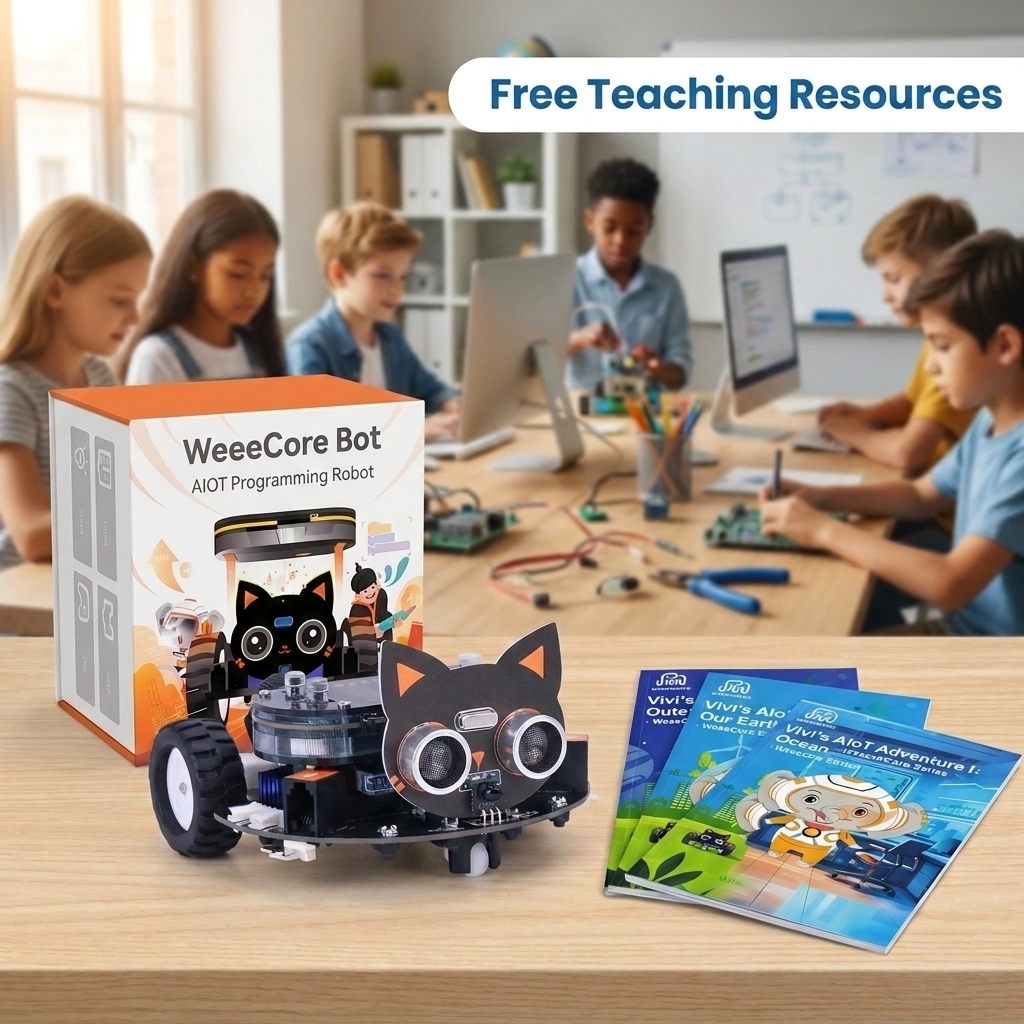
- [48-LESSON SYSTEMATIC TEXTBOOK] Benefit from a Curriculum-Based approach. Our resource-rich package includes a professional textbook (48-lesson) that simplifies complex hardware programming. It is Teacher Recommended for academic success in robotics clubs and summer camps across 60+ countries.
- [METALLIC ROBOT TRAINER DURABILITY] Made of high-quality Aluminum Alloy, this kit withstands the rigorous environment of middle school labs. The robust structure ensures high-precision sensor placement for accurate distance measurement and line following, providing a stable platform for robotics competitions.
- [FACTORY DIRECT WHOLESALE] Capture the trending STEM market with factory-direct pricing. We provide comprehensive technical support and resource-rich tutorials. This best-selling kit is Classroom Ready and supports bulk discounts for retailers looking for high-conversion educational products.
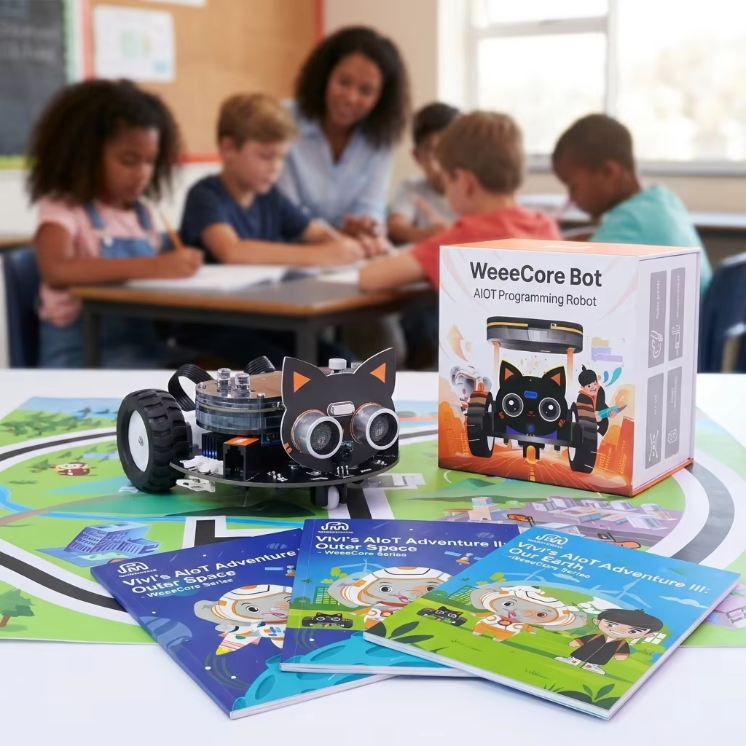
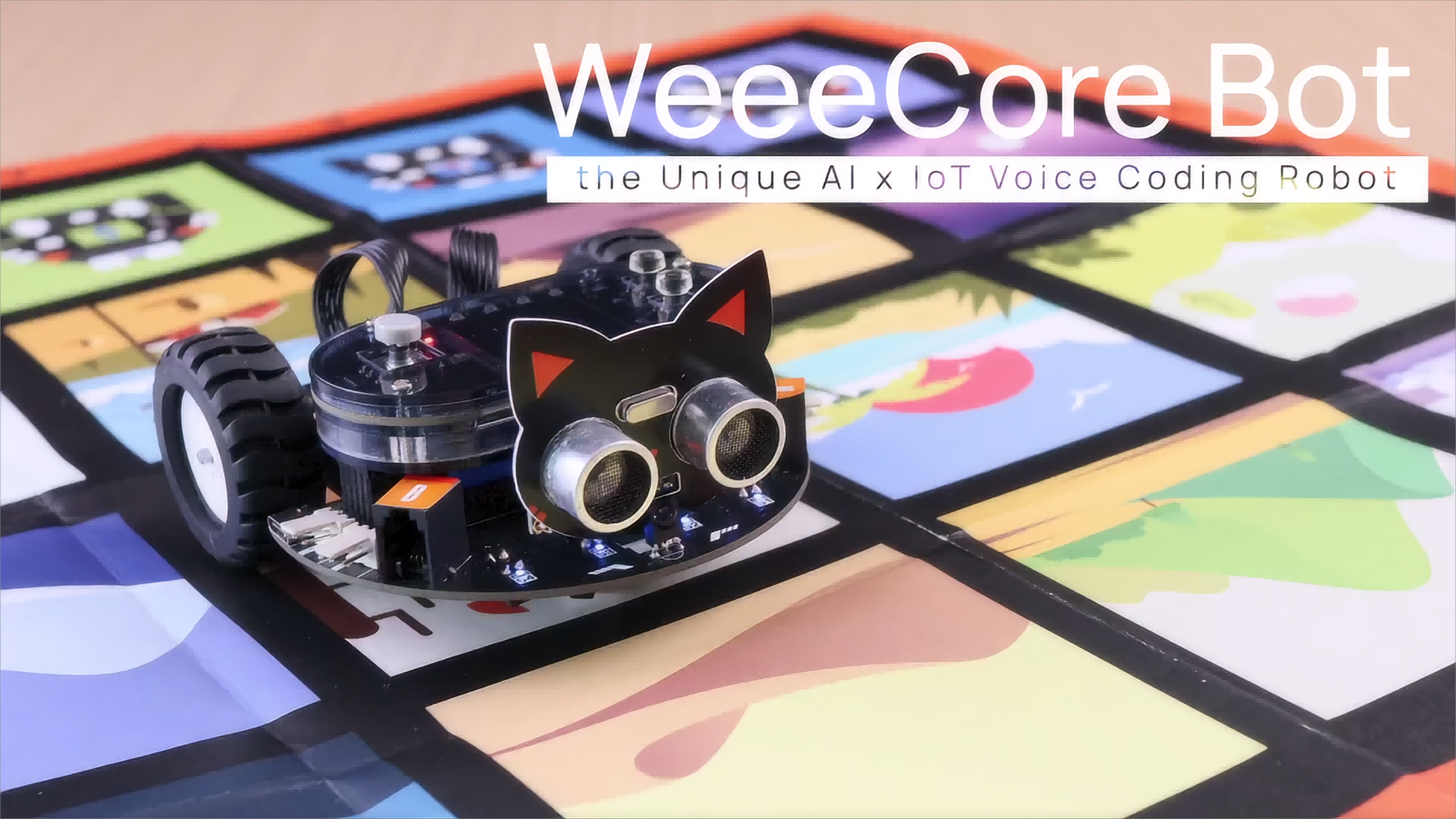
WeeeCore Bot AIOT Voice Programming Robot
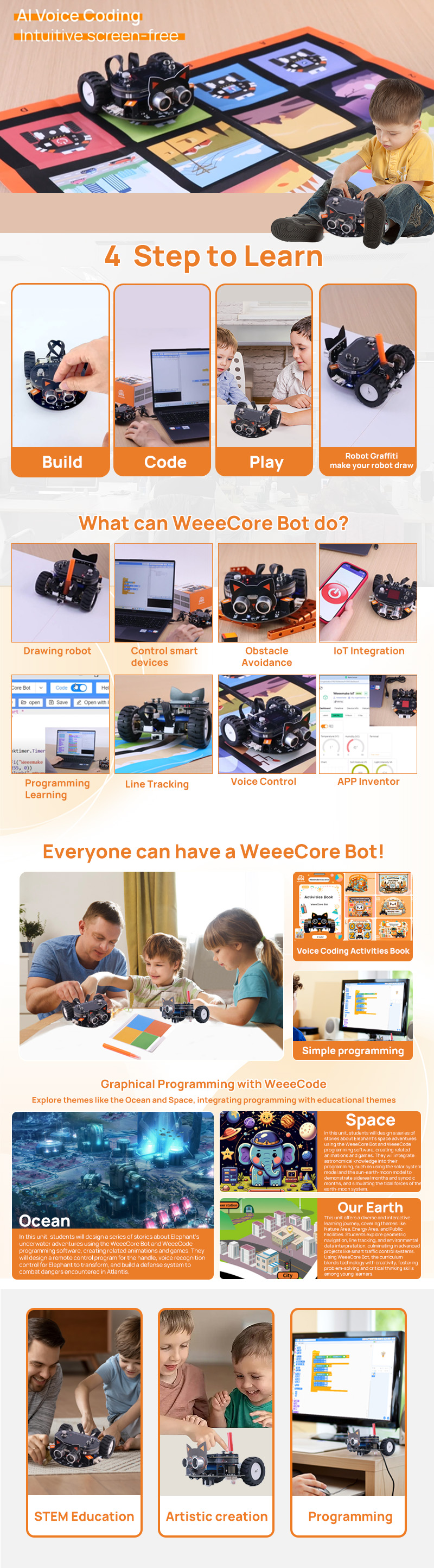
Unlock the world of interactive learning with WeeeCore Bot, an innovative AI voice coding IoT drawing robot designed to inspire and educate. Perfect for learners of all ages, WeeeCore Bot combines fun with education, paving the way for a future where technology and learning go hand in hand.
Voice Coding
Ideal for beginners, allowing young learners to command and control through simple voice instructions.
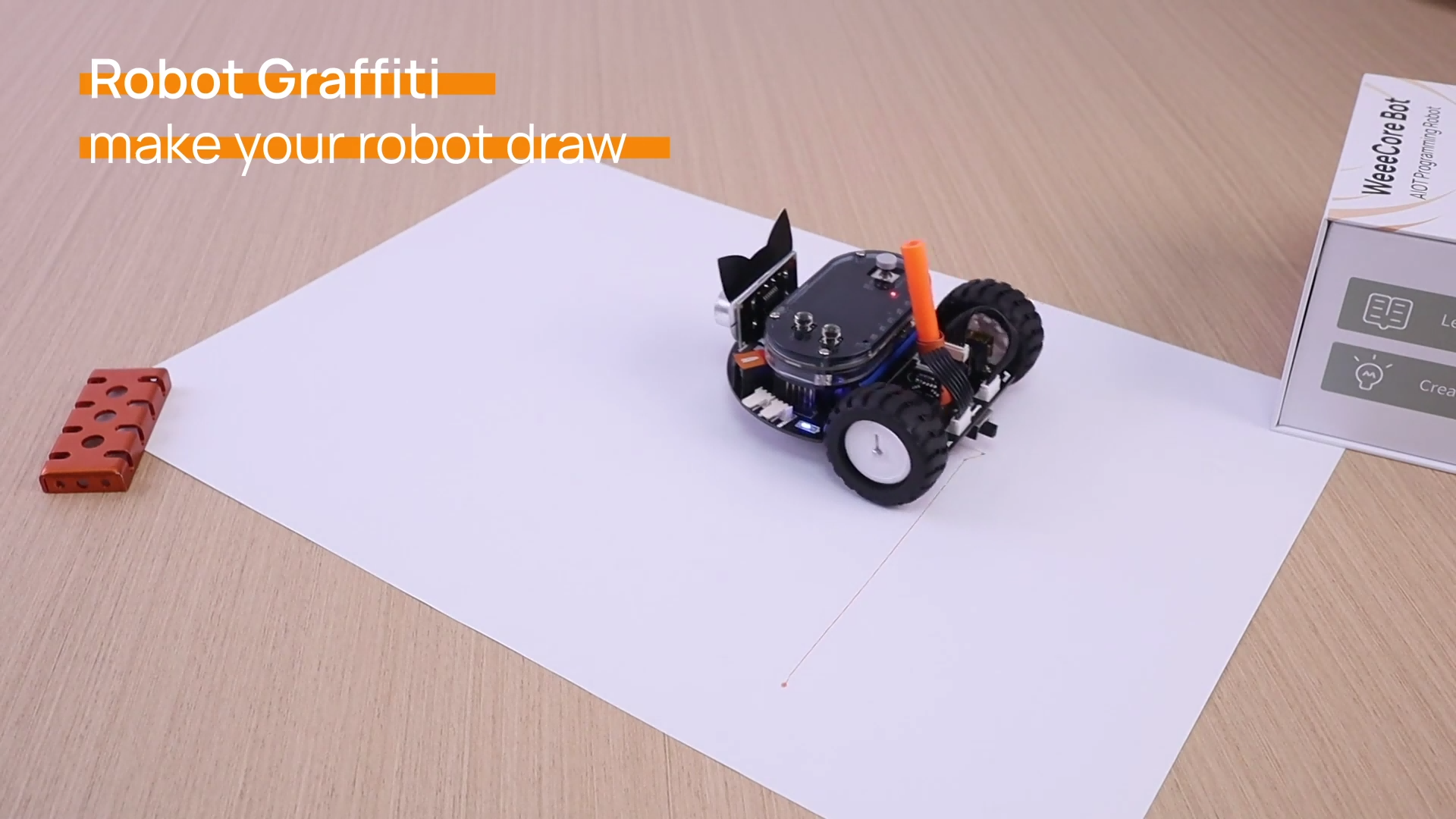
Drawing
Unleash creativity with the bot's drawing capabilities, perfect for integrating art into STEM.
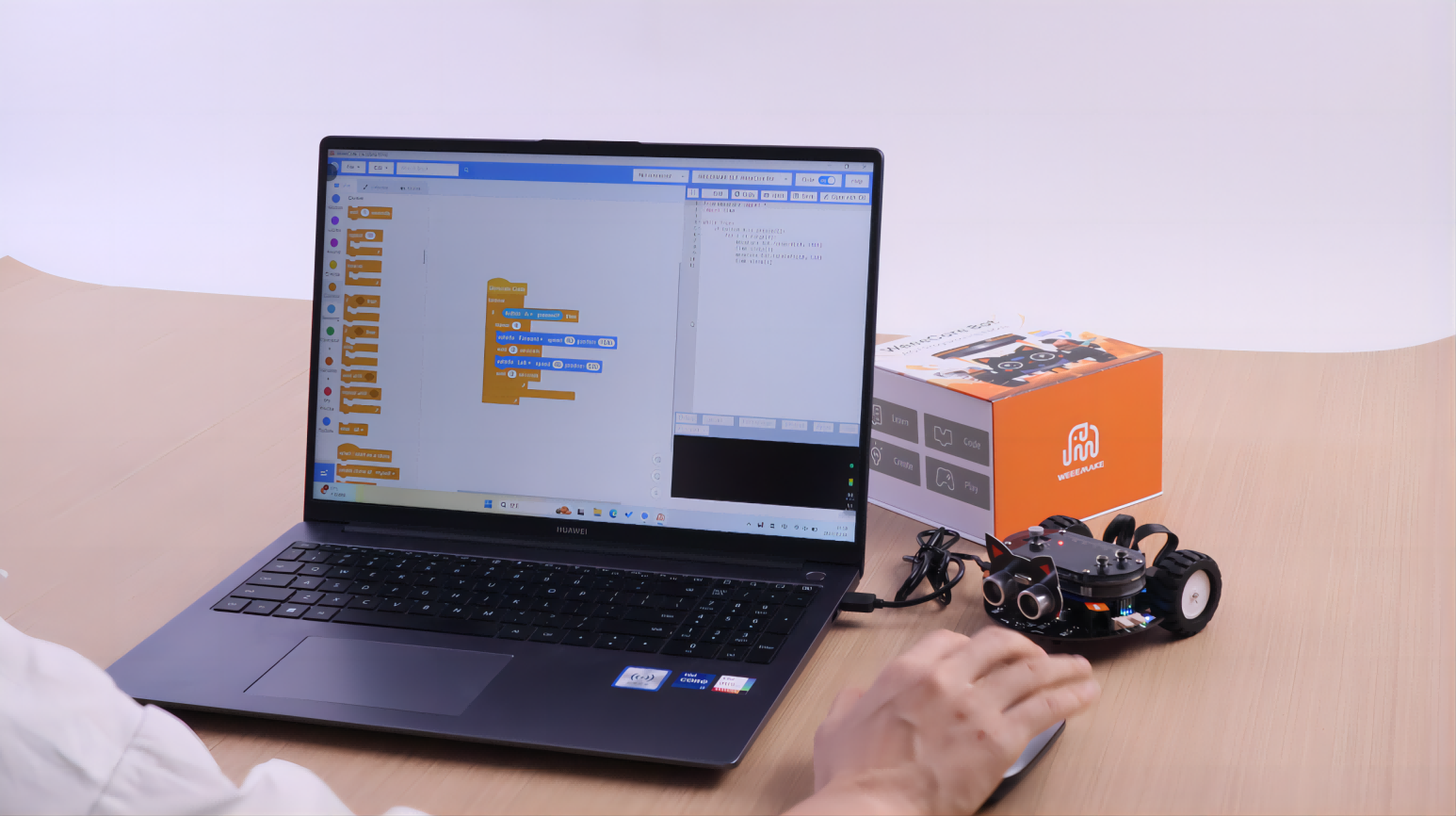
Programming
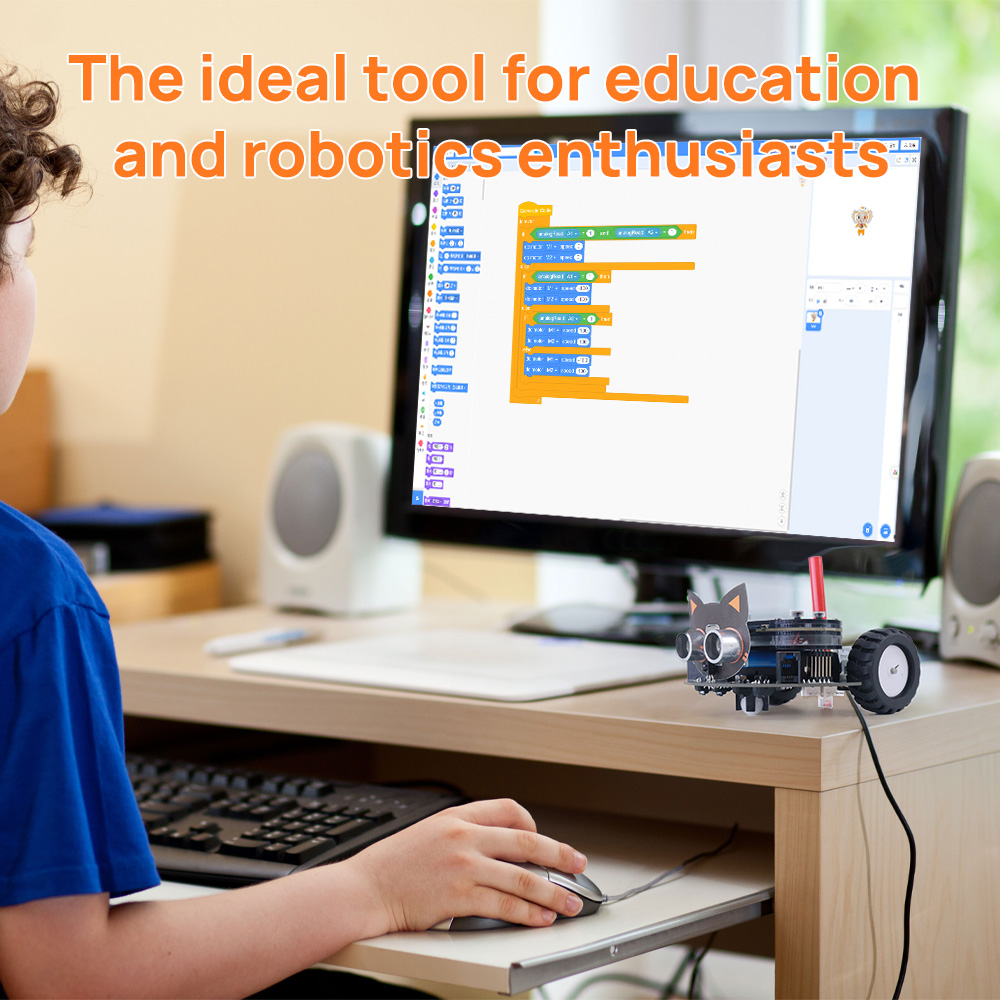
Supports Scratch 3.0 and microPython, catering to a wide range of coding skills.
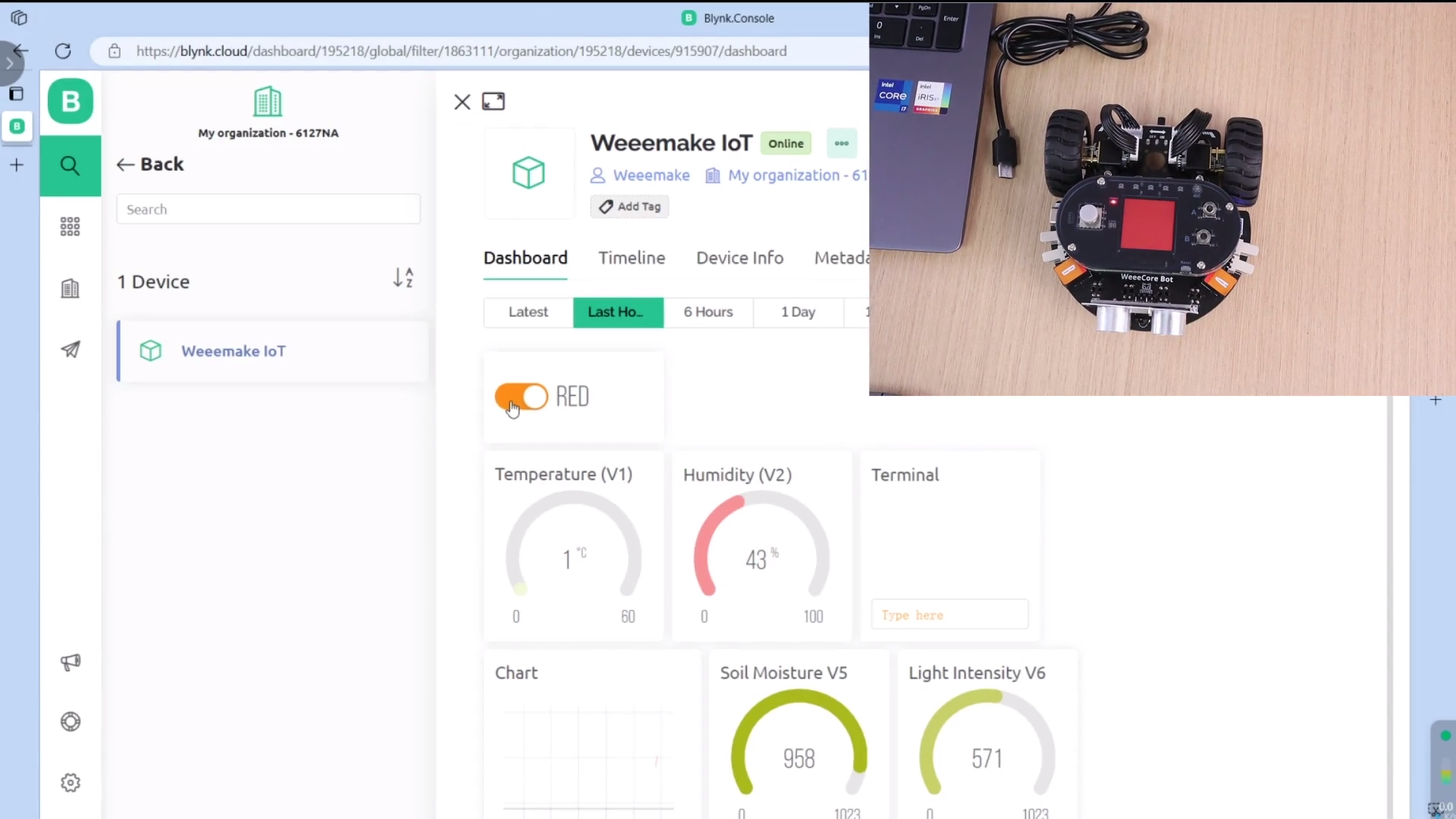
APP Inventor
Build your own APP with the WeeeCore Bot and its powerful IoT ability!
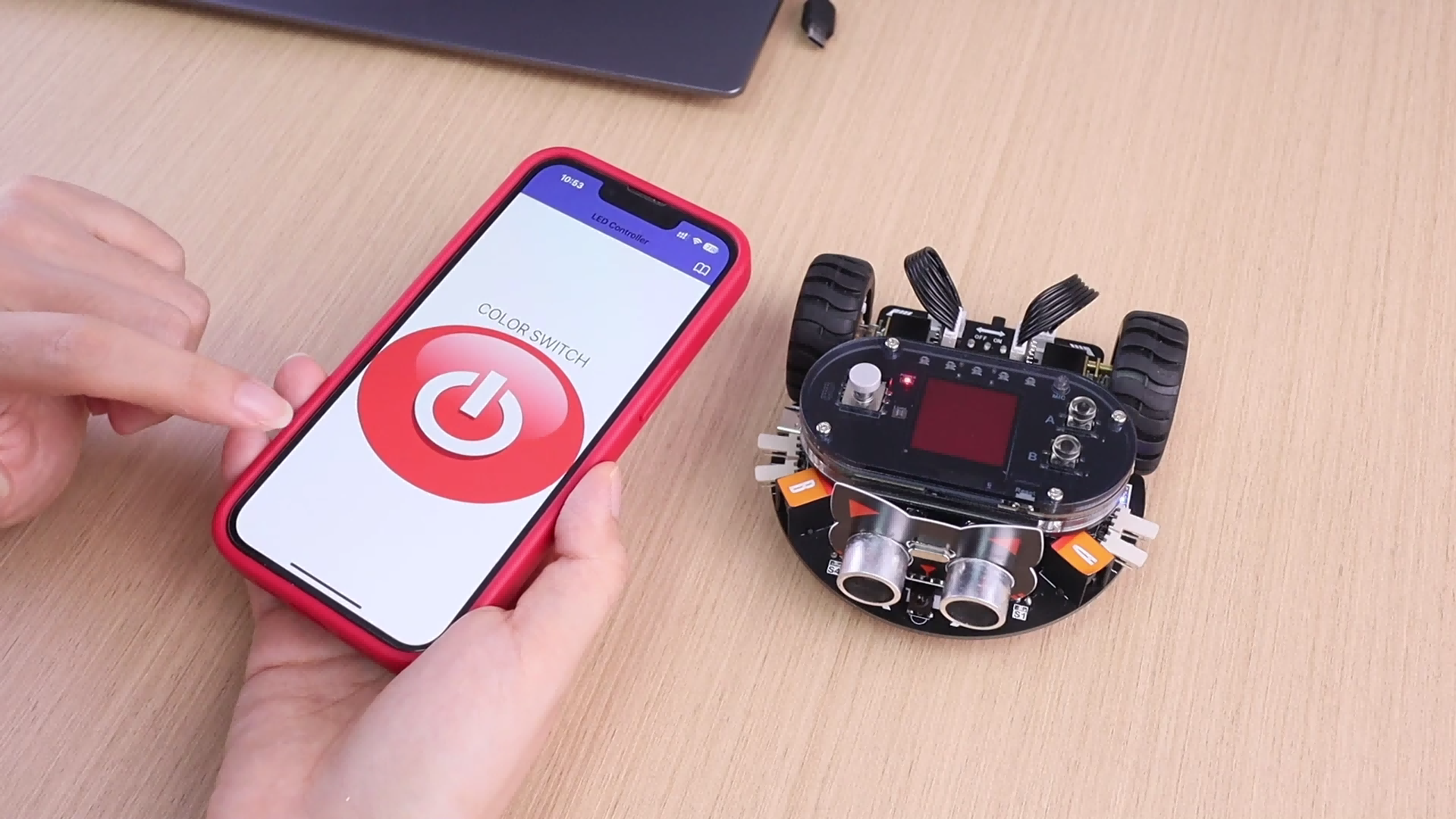
IoT Integration
Explore the world of Internet of Things, teaching practical applications of technology in daily life.
Curriculum Highlights
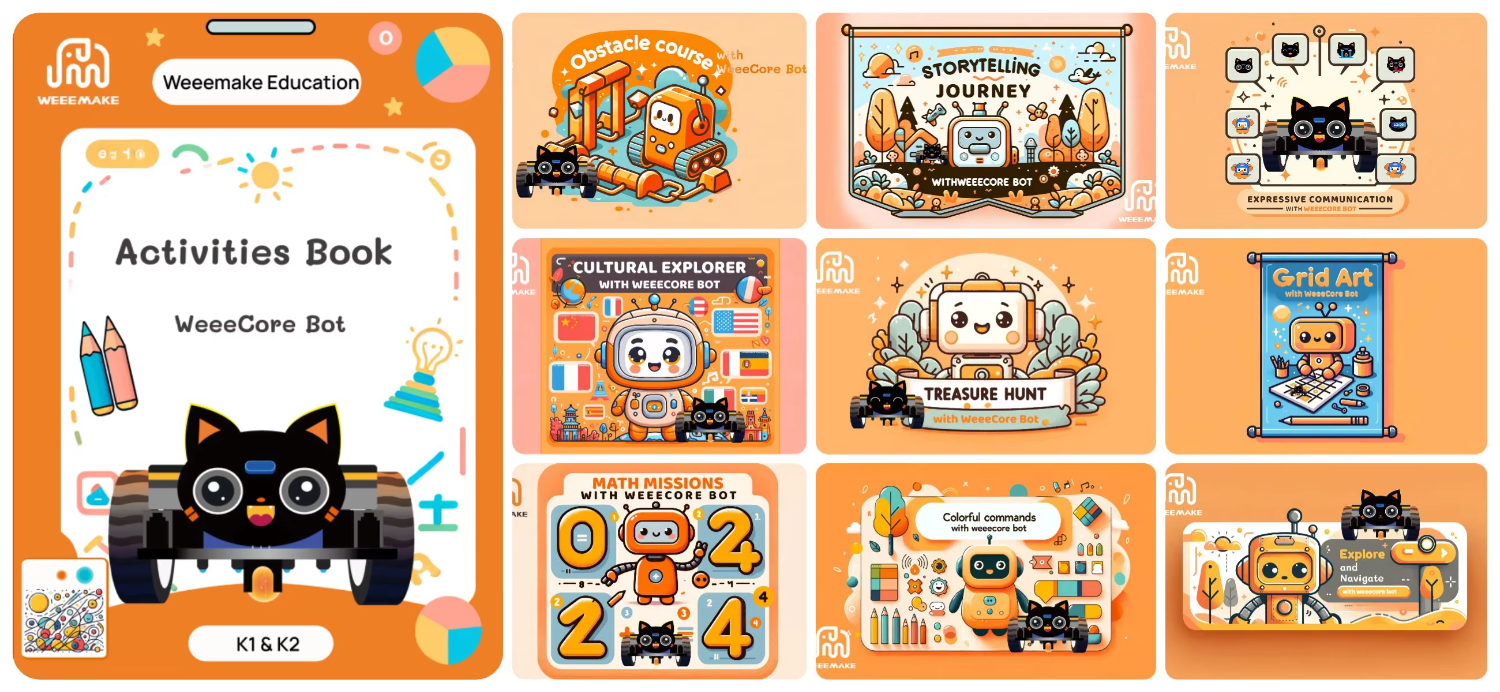

Ocean
In this unit, students design a series of stories about underwater adventures using WeeeCore Bot and WeeeCode, creating animations, games, remote control handles, and defense systems.

Space
Students explore space adventures while integrating astronomical knowledge like solar system models, sidereal vs synodic months, and simulating earth-moon tidal forces.

Our Earth
Covers Nature, Energy, and Public Facilities. Students explore geometric navigation, line tracking, and environmental data interpretation for smart traffic control systems.
Specifications
| Product Name | WeeeCore Bot |
| Controller | WeeeCore AI Handle |
| Working Voltage | 5V |
| Chip | ESP32 |
| Wireless Communication | Wi-Fi, WLAN, Dual-mode Bluetooth, Radio |
| Input | Speech Sensor Microphone, Gyroscope Sensor, Joystick (5 direction), Button x2, Light Sensor, Quad Line-tracking Sensor, Ultrasonic Sensor |
| Output | RGB LED x5, Speaker, Color Display |
| Battery | 14500 Lithium Battery |
| Battery Time | 2.5 hours operation, 40 minutes charge |
| Motor | Encoder motor x2 |
| Expansion Port | Type C, RJ11 Port x2, Open-source 3P |
| Measurement | Dual-side Map x1, Color Pen, Type C Cable |
Detail Shot
About the Supplier
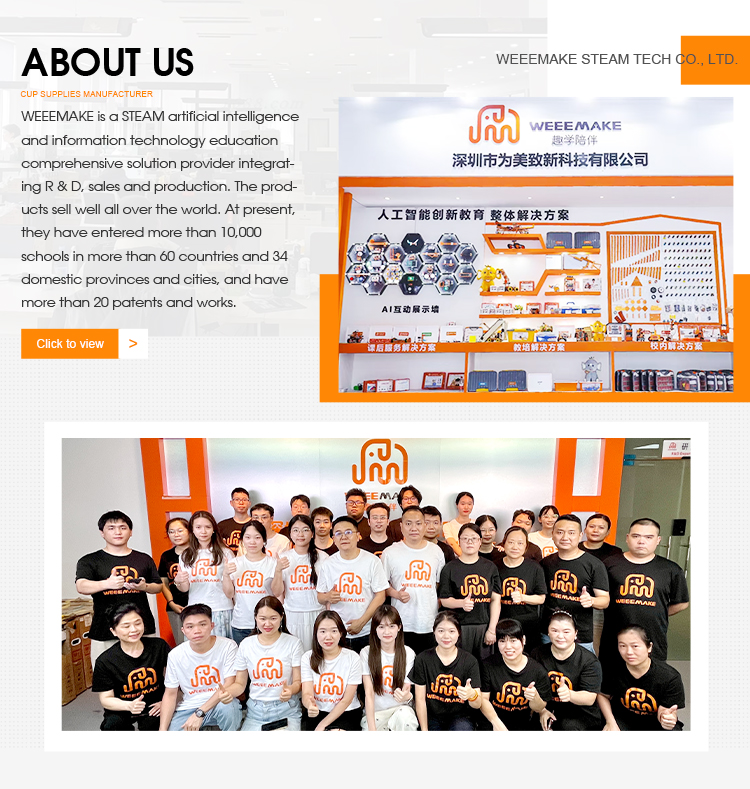
WEEEMAKE was established in 2017 in Shenzhen, China. We are a high-tech enterprise integrating research and development, production, and sales, specialising in the fields of STEAM education, artificial intelligence, AI laboratories, robotic laboratories, STEM classroom solutions, and interactive demonstration devices. The company occupies premises spanning 2,000 square metres and maintains a comprehensive production process encompassing product development, design, raw material procurement, SMT assembly, soldering, testing, packaging, and delivery. We rigorously implement a quality control system, and our products hold international certifications including CE and FCC. WEEEMAKE maintains an independent hardware and software development team. Our product portfolio encompasses ESP32, AI, and microbit series, compatible with multiple mainstream programming platforms. Guided by our "Content + Hardware + Software + Competitions" principle, our vision is to establish a metal platform. We have served over 60 countries worldwide, reaching more than 10,000 schools and holding over 20 patents and copyrights. We offer OEM/ODM services with multilingual content customisation.
Company Overview
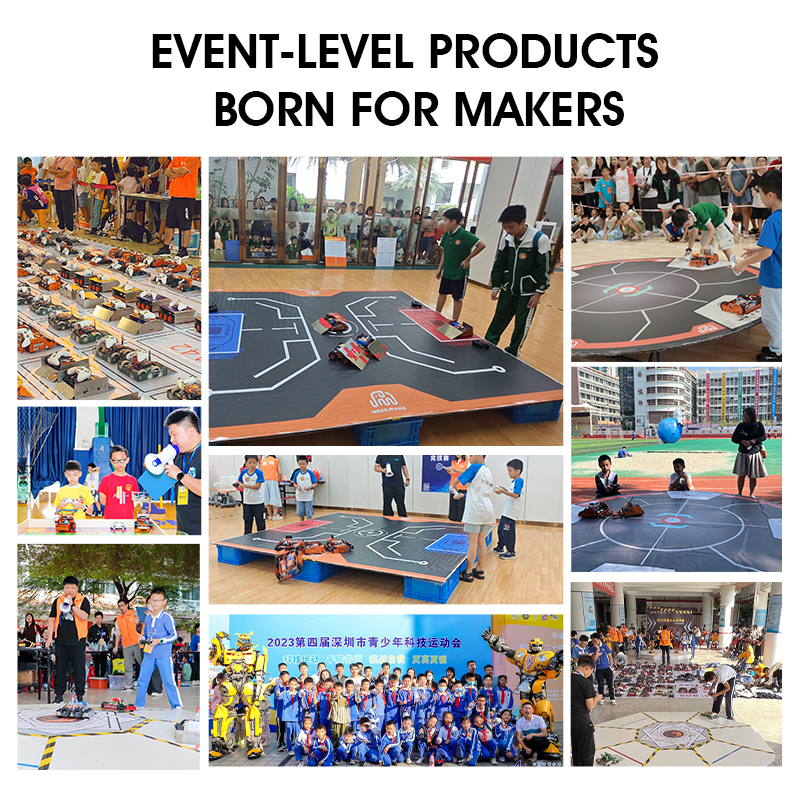

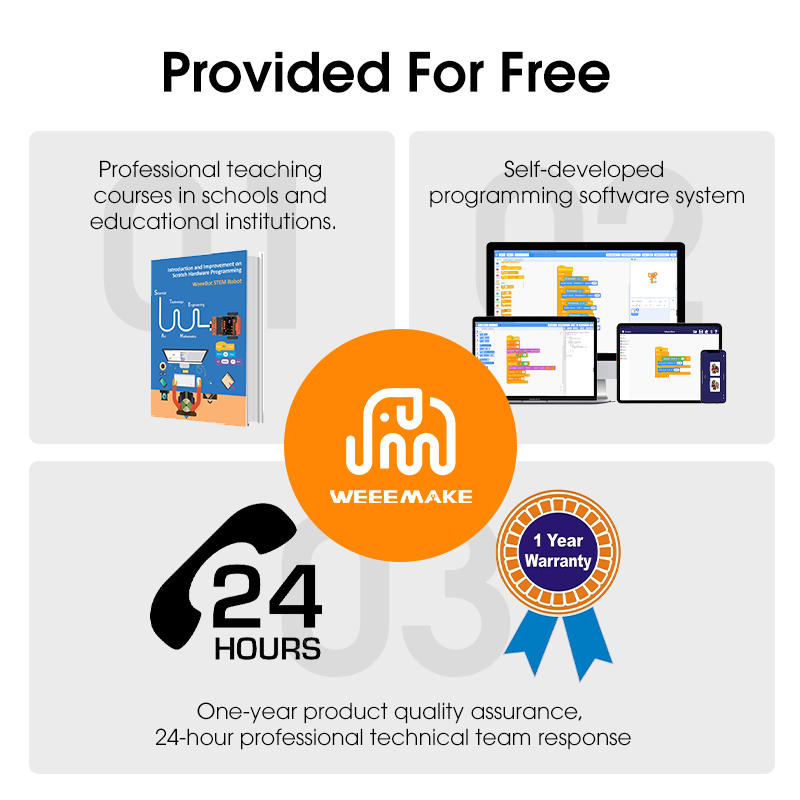
Competitive Advantages

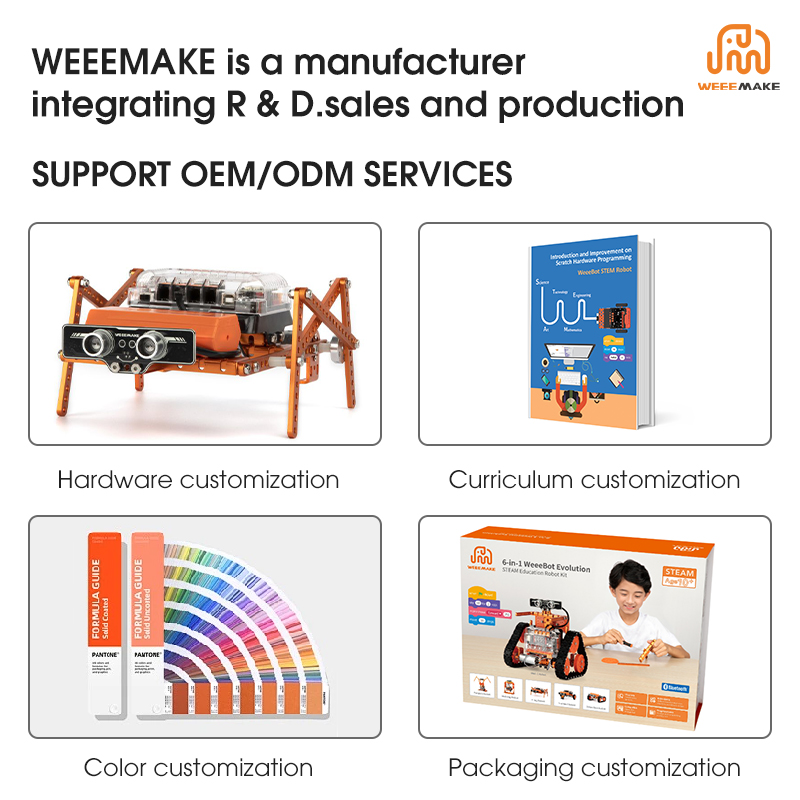
Customization Capabilities
Trade Show Participation

Frequently Asked Questions
Q:
When I turn on the robot, my robot has no response. Why?
1. Low voltage, please recharge all your batteries or replace with new batteries.
2. Batteries installed in wrong polarity (+/-).
3. Incorrect wiring on battery holder or motor.
2. Batteries installed in wrong polarity (+/-).
3. Incorrect wiring on battery holder or motor.
Q:
How do I program my robot or restore factory settings?
Please download the WeeeCode software on our official website, connect the robot to your PC via a USB cable, and select the restore or program option in the software menu.
Q:
I cannot connect the robot to my computer via USB or wireless. How can I fix it?
Your computer may not have installed the mainboard driver. Please install the driver found in the WeeeCode software "Help" menu, restart the robot, and attempt connection again.
Q:
Why can't the robot move when powered only by USB?
USB power supply can only support the chip and sensors on the mainboard. To drive motors or servos, please connect the batteries and switch on the main power button.
Q:
Why doesn't the Line-following Sensor work properly?
1. Ensure the distance between the Line-following sensor and map is between 1-2 cm for optimal operation.
2. Avoid operating under direct, strong light which causes interference.
3. Make sure to use non-reflective material when crafting custom line-following maps.
2. Avoid operating under direct, strong light which causes interference.
3. Make sure to use non-reflective material when crafting custom line-following maps.
Q:
Why does WeeeCode report an error while uploading programs to the ESP32 mainboard?
Due to port occupation of the ESP32 chip, errors occur if ports 5/12/15 are connected to electronic modules while powered. Avoid connecting those specific ports while uploading, and complete wiring after the upload completes.